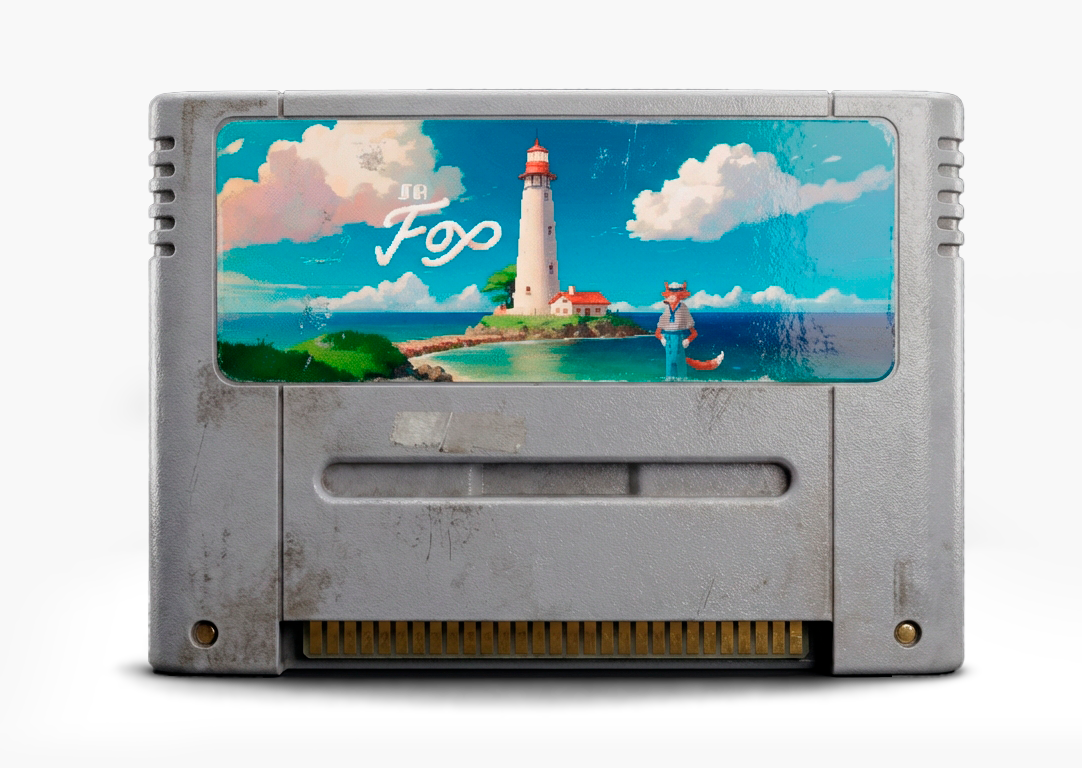
Sr. Fox is complete!
The graphic adventure that started it all is now fully playable. Explore, solve puzzles, and discover the story.
> Play Sr. FoxCreate and Share Graphic Adventures
Build point-and-click adventure games with PixelQuest. Keep the genre alive, one story at a time.
About PixelQuest
PixelQuest is a platform designed to create and share graphic adventure games. It all started with "Sr. Fox", but it's just the first step. Our goal is to build a platform that keeps the point-and-click adventure genre alive.
Documentation
Getting Started
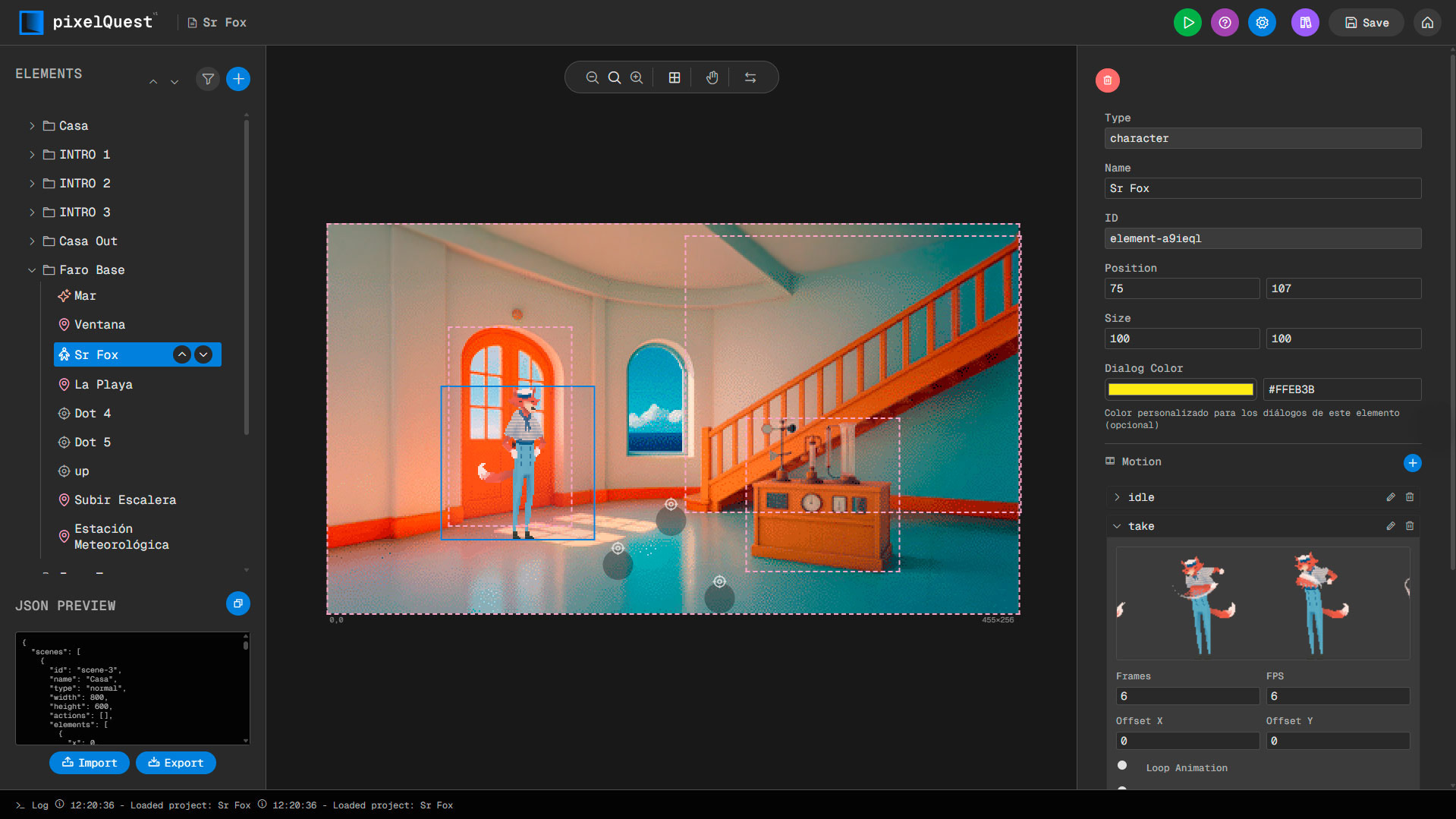
Learn how to create your first scene and add characters, objects, and interactive elements.
- Create a new project from the dashboard
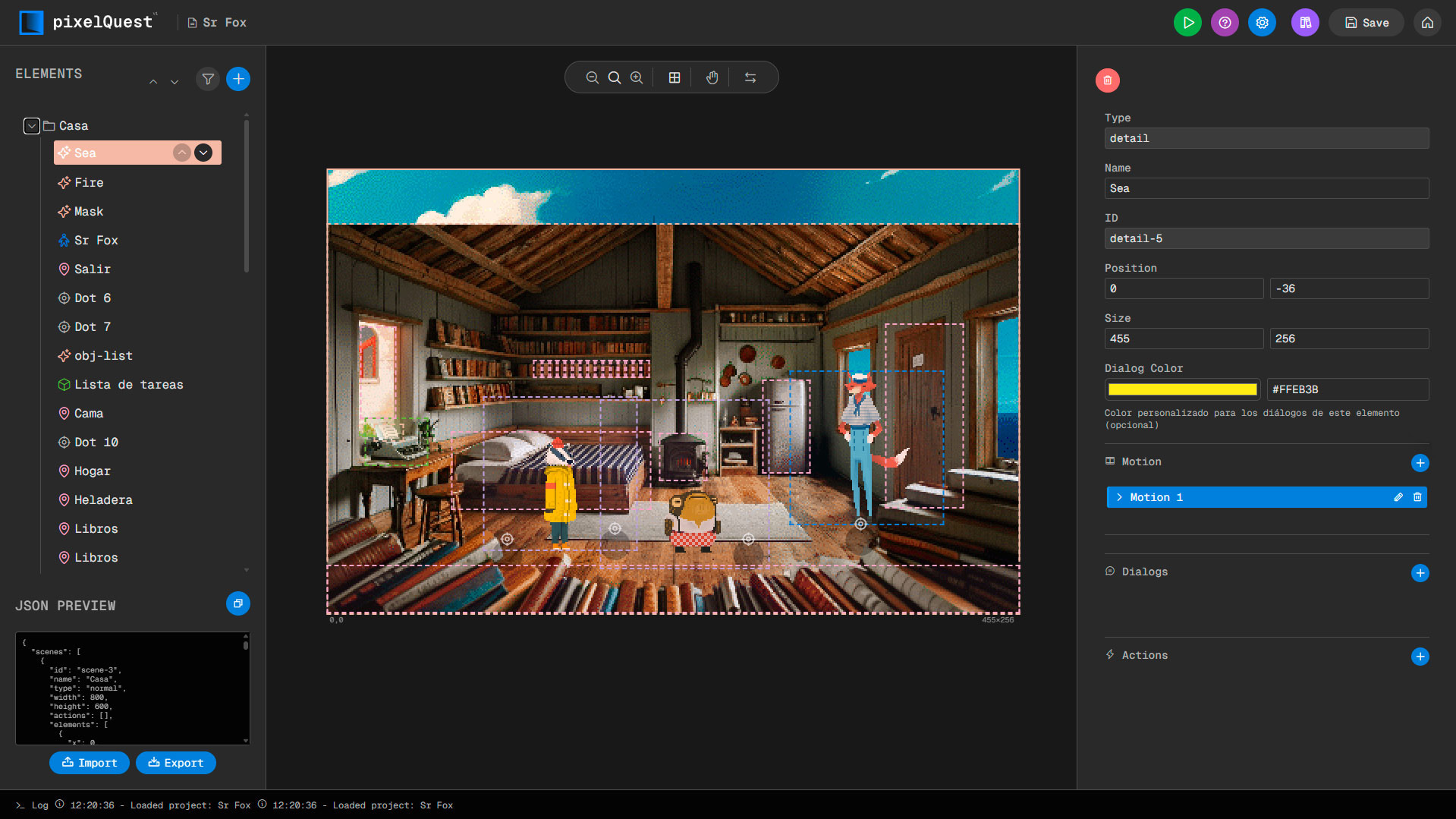
- Use the editor to design your first scene
- Add characters with custom animations
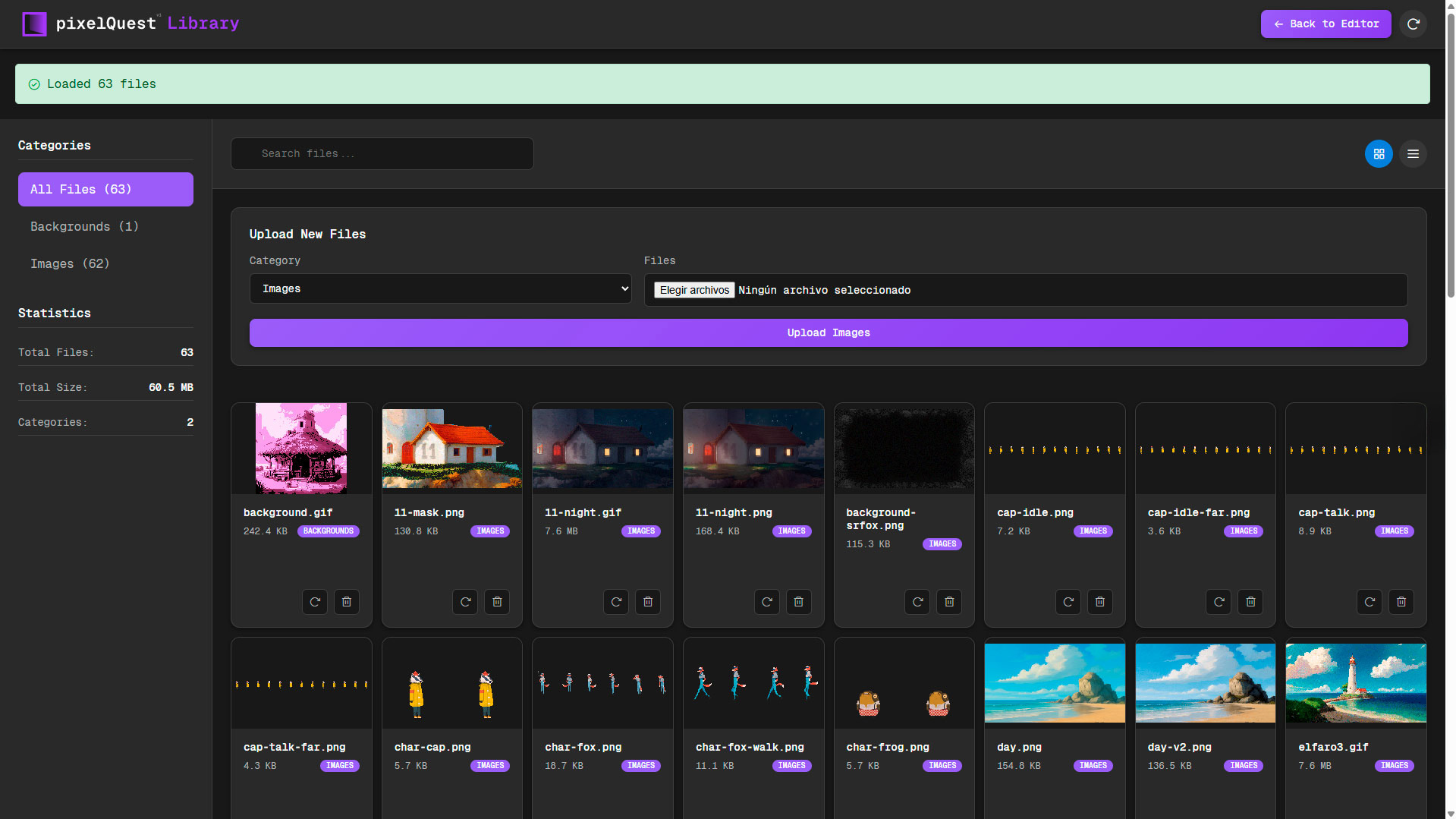
- Place interactive objects and NPCs
- Connect scenes with navigation dots
Scene Types
Understand the different scene types: Normal, Dream, Video Clip, and Automata scenes.
- Normal: Standard interactive scenes
- Dream: Special overlay scenes
- Video Clip: Video backgrounds
- Automata: Animated backgrounds (GIFs)
AI Dialog System
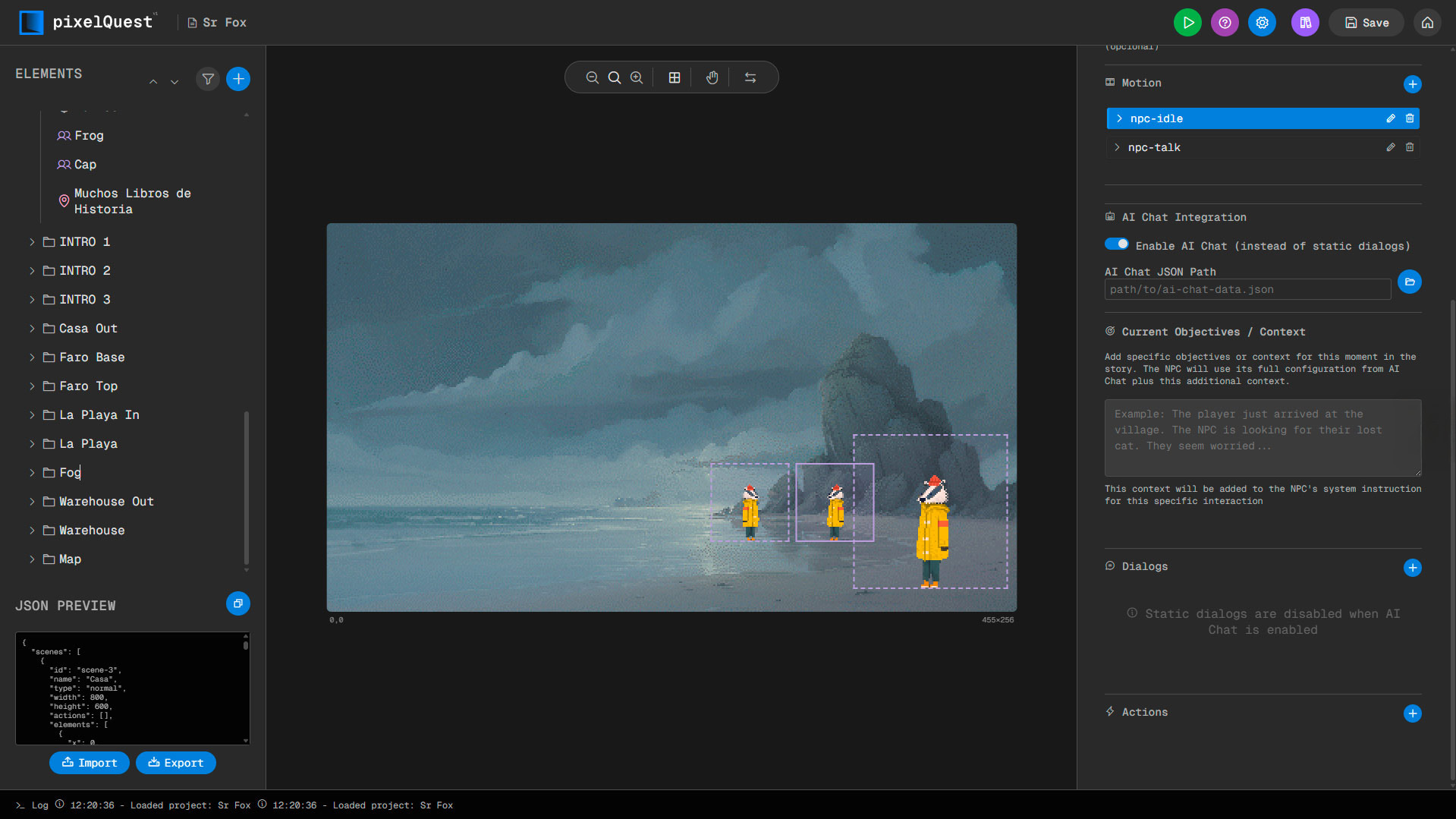
Create intelligent conversations with your characters using Gemini AI.
- Characters maintain objective and personality
- Dynamic responses based on game state
- No need to leave the game character
- Immersive natural language interaction
Element Types
Master the different element types: Characters, Objects, NPCs, Areas, Details, and Dots.
- Characters: Main playable character
- Objects: Collectible inventory items
- NPCs: Non-playable characters
- Areas: Interactive zones
- Dots: Navigation points
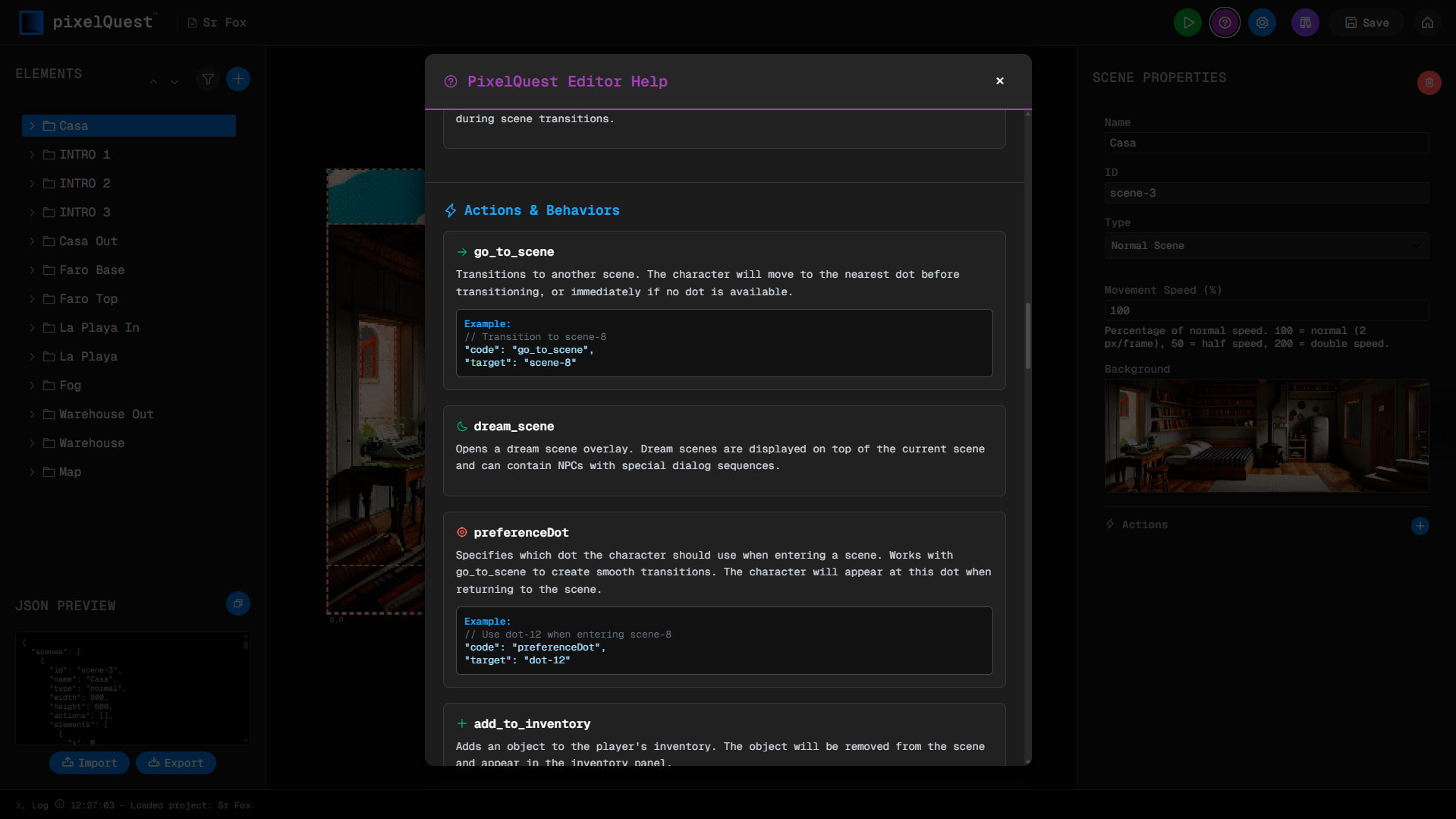
Actions & Behaviors
Learn about actions like go_to_scene, add_to_inventory, and custom animations.
- go_to_scene: Navigate between scenes
- add_to_inventory: Collect items
- dream_scene: Trigger dream overlays
- play_npc_motion: Trigger animations
JSON Structure
Understand the project structure and how to work with the JSON format.
- Projects are stored as JSON files
- Easy export and import of projects
- Full control over project data
- Standard format for easy sharing
PixelForge Pro
AI-powered tool to generate character sprites and adventure scenes with Gemini. Create sprite sheets and backgrounds for your PixelQuest projects.